

Appearance of Filters
This section is used for customizing the styling and look & feel of the Appearance of Filter widgets.
One such example of filters, you can see in the snap below.
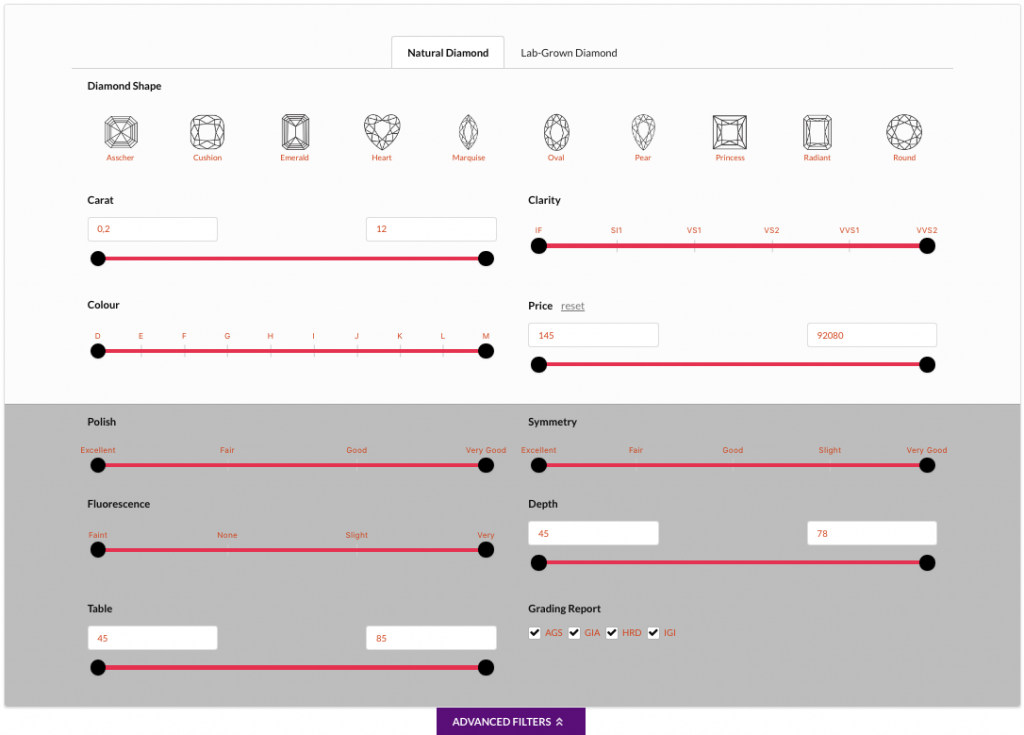
Header Text Font
Value in this field will be used to change the font family of the Filters heading text. Be sure to specify the exact font family name.
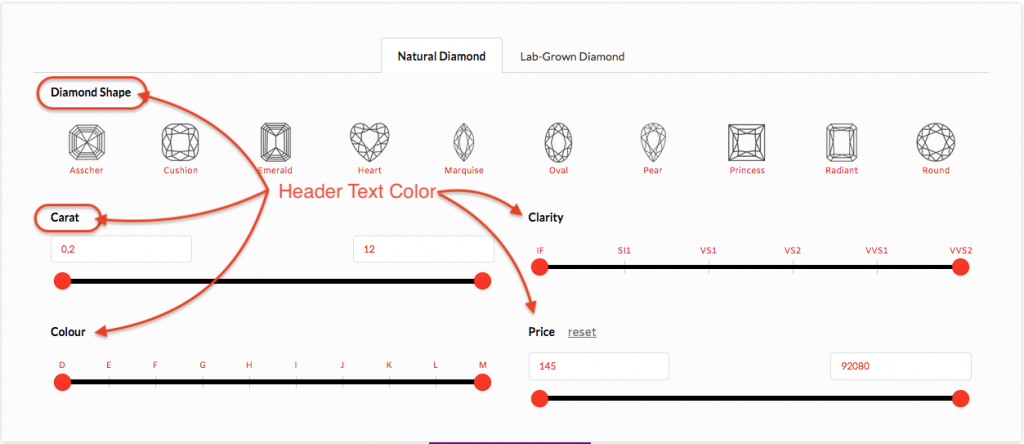
Header Text Color
You can use this field to customize the text color of the Filters heading.
Admin Panel
Output
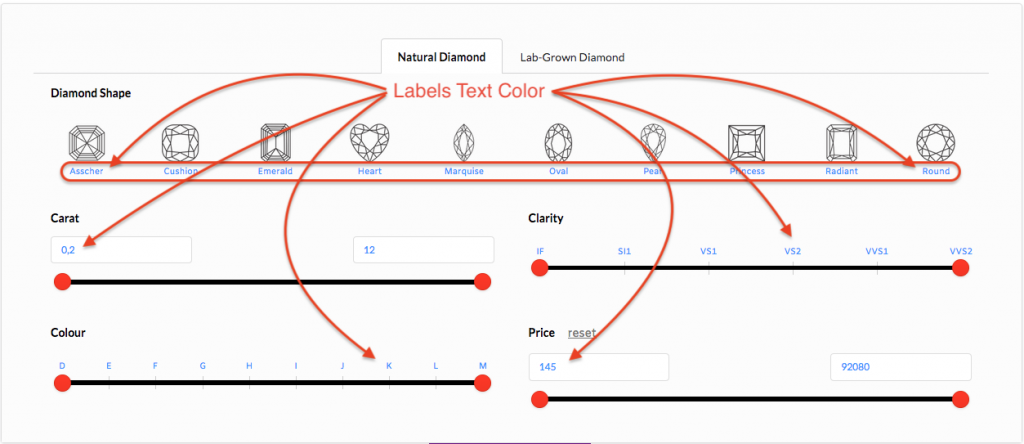
Labels Text Color
You can use this field to customize the text color of the Filters’ labels.
Admin Panel
Output
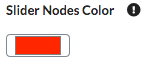
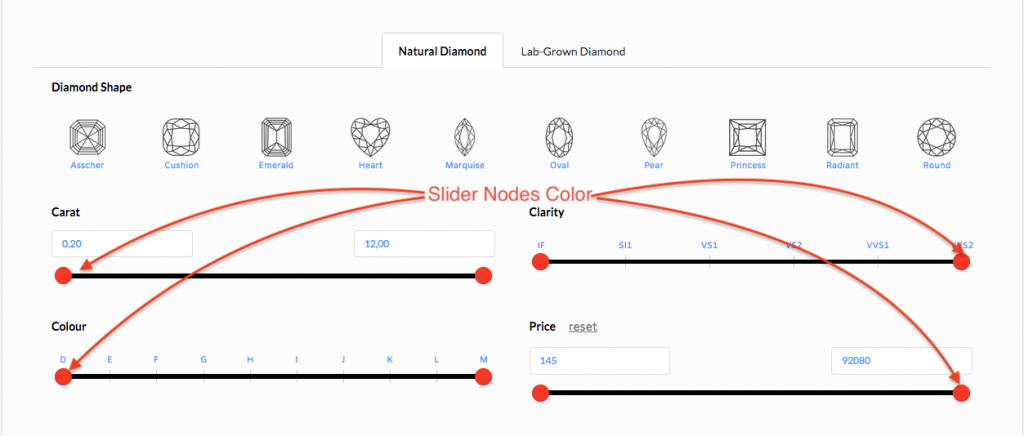
Slider Nodes Color
You can use this field to customize the color of the nodes of the Slider widget.
Admin Panel
Output
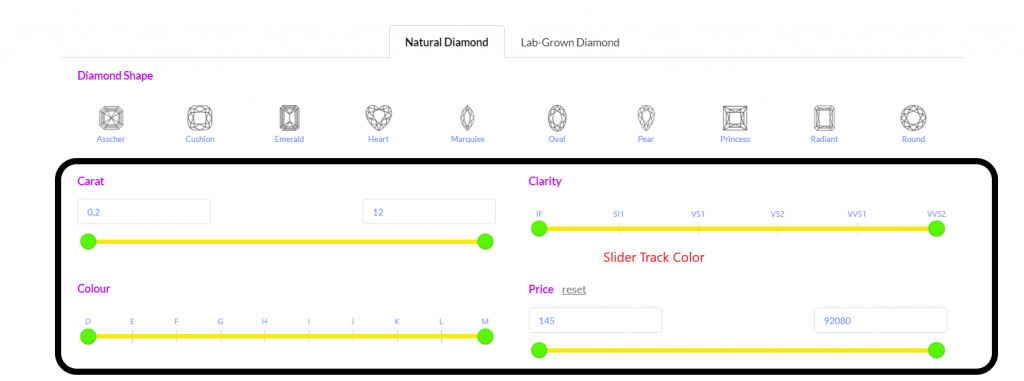
Slider Track Color
You can use this field to customize the Track color of the Slider widgets for the filters.
Admin Panel

Output
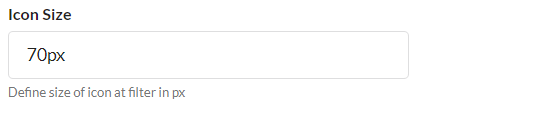
Icon size
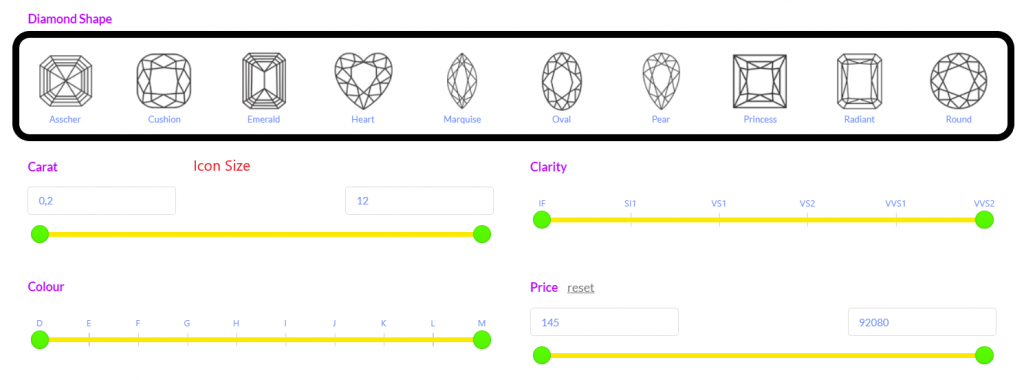
Value in this field will use to change the icon size of the filters. It supports Pixels values only. Be sure to append “px” at the last.
Admin Panel
Output
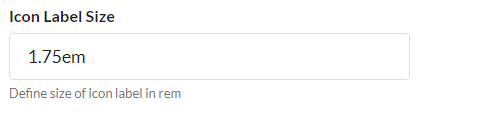
Icon Label Size
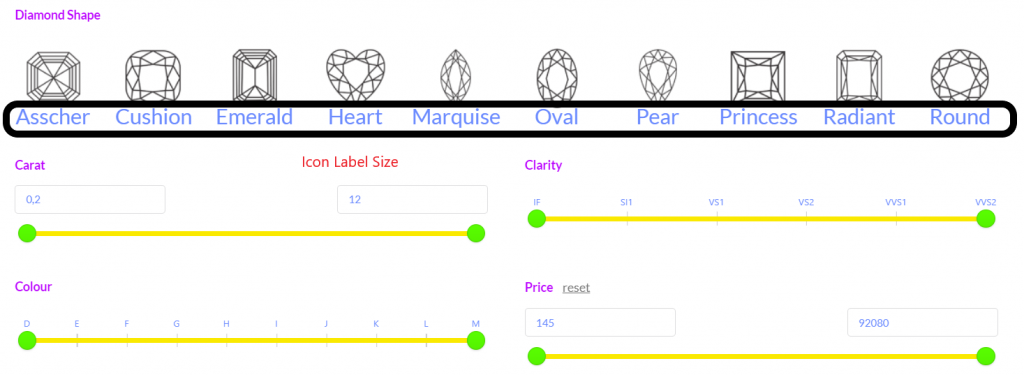
Value in this field will be used to change the icon size of the filter label. It supports Float value and be sure to append “rem” at the last. To learn more about rem, click here.
Admin Panel
Output
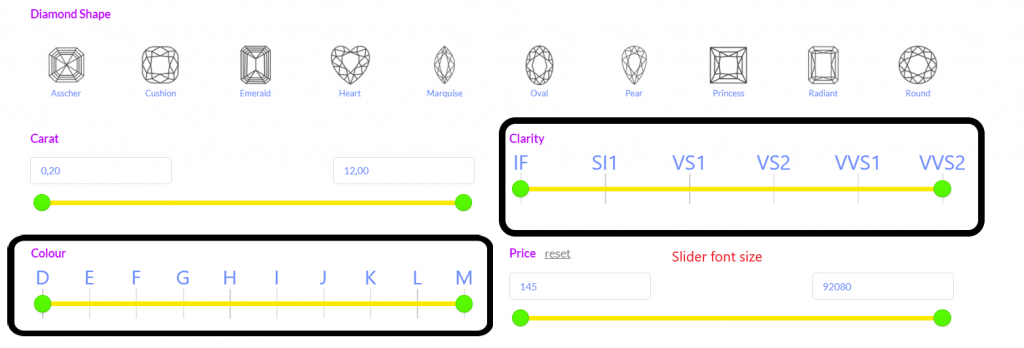
Slider Font Size
Value in this field will be used to change the font size of the Slider Widget for the filters. It supports Float value and be sure to append “em” at the last. To learn more about em, click here.
Admin Panel

Output
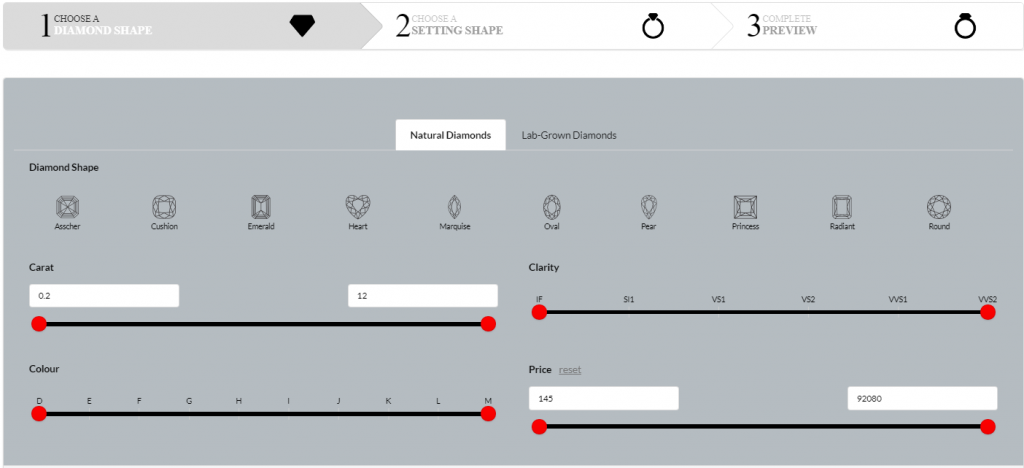
Primary filter background color
You can use this field to customize the background color of the Filter Primary section.
Admin Panel

Output
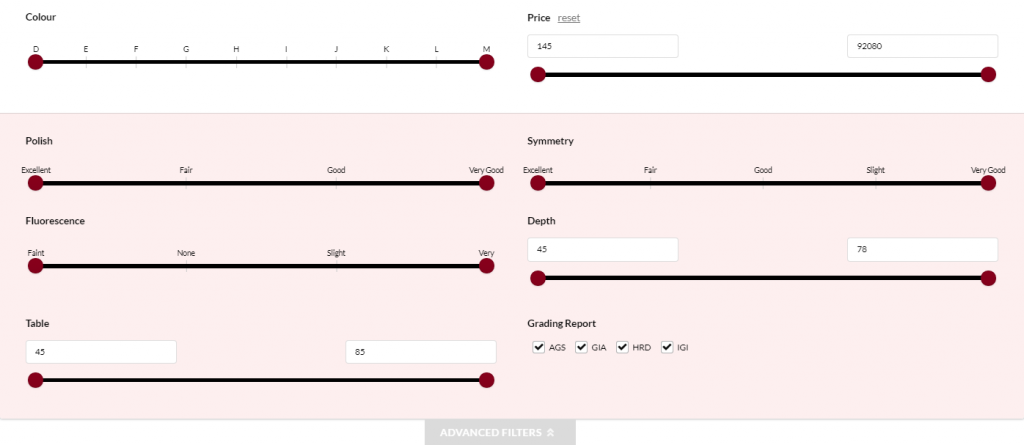
Advance filter background color
You can use this field to customize the background color of the Filter Advance section.
Admin Panel

Output
Alternate Price Slider (First Category)
If you enable this field then it will use the Alternate Slider widget for Price Filter for the First category of the Filter section. head border
Alternate Price Slider (Second Category)
If you enable this field then it will use the Alternate Slider widget for Price Filter for the Second category of the Filter section.
Filter Title Size
Value in this field will be used to change the Title size of the Filter. It supports Float value and be sure to append “rem” at the last. To learn more about rem, click here.
Table head border
If you enable this field then it will show the border around the table for filter sections in the front-end.
Hide filter’s loaded
If you enable this field then it will not show a filter loading screen for Ajax search. Note that, still it will not show a filter loading screen while the search is in progress but the user can interact with the page and filters.
Non-blocking loader
If you enable this field then it will show a filter loading screen for Ajax search but still, the user can select other filters.
Please refer to the following video for more details: